
Yes — Genshin Impact supports crossplay, and going into 2026, that answer is pretty straightforward. If you're on PC, mobile, or console, you can play co-op together as long as a few account and server requirements line up first. This guide breaks down how Genshin Impact crossplay works, what its limits are, how cross-save fits into the picture, and what to check when something refuses to work.
Is Genshin Impact Crossplay Across Platforms
Genshin Impact supports crossplay across PC (Windows), iOS, Android, PlayStation 5, and Xbox Series X|S. Before PS4 support ended, it was part of that pool too. In practical terms, that means someone on Android can queue a domain with a friend on PS5 or Xbox, and the game handles the platform differences without much fuss.
The one platform still missing is Nintendo Switch. HoYoverse announced a Switch version years ago, but as of mid-2026, it still has not arrived and there is no confirmed release date. That's worth stating clearly, because players still ask about it all the time.
There is also an important platform-status caveat here: PS4 support officially ended on April 8, 2026. If you were playing there, you needed to migrate your account to PS5 or another supported platform before the shutdown.
The biggest rule for crossplay is server region matching. Genshin Impact runs on four separate servers: America, Europe, Asia, and TW/HK/MO. If you and your friend are on the same server, crossplay works. If you're on different servers, it does not — even if you're both on the same platform.
Co-op itself unlocks at Adventure Rank 16 (AR16). Until then, multiplayer is simply unavailable. Most players reach AR16 in roughly five to ten hours if they keep pushing Archon Quests and daily progression.
Genshin Impact Crossplay Rules and Limits
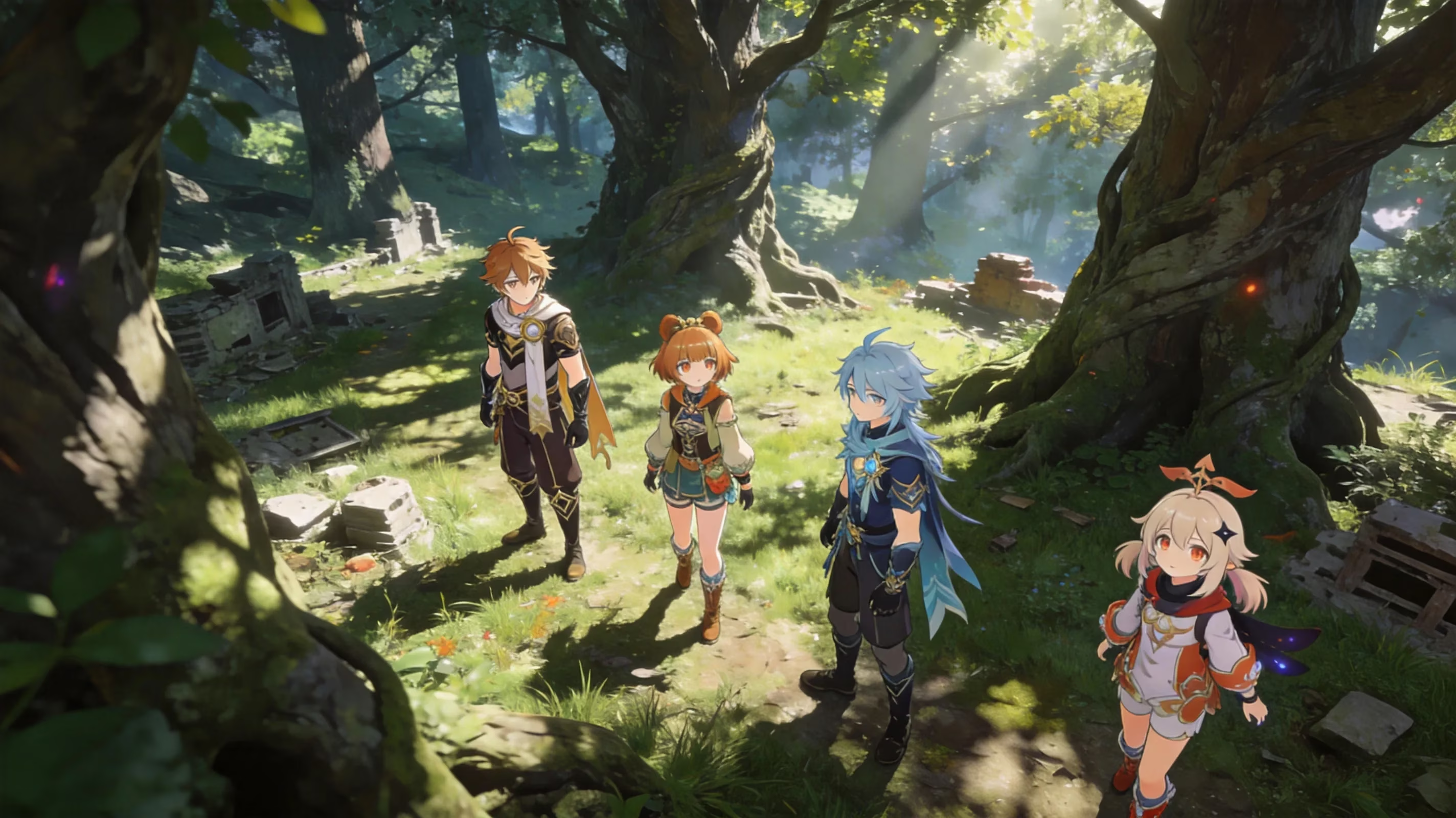
Genshin co-op allows up to four players in one world. One person hosts, and the other three join that host's world. That matters more than it sounds, because the host's map state, unlocked waypoints, and current quest progress control what everyone can actually do.
The host's world rules everything in co-op. If you join someone else's world, you are not progressing your own Archon Quests, story quests, or commissions there. Enemy strength, boss rewards, and domain conditions also scale off the host's World Level, so joining a stronger player's world can get rough fast if your account is behind.
Some content is still solo-only, and this is where newer players usually get tripped up:
-
Archon Quests and chapter story missions
-
Character and companion story quests
-
Daily commissions
-
Spiral Abyss
Spiral Abyss is the big one. A lot of players assume everything in Genshin can be co-oped, but Abyss is still strictly single-player. On the other hand, world bosses, Ley Lines, domains, and general open-world exploration are all fair game.
There is also a World Level join restriction. If your World Level is too low compared to the host's, you may not be able to join certain content or interact normally. The exact restriction can vary a bit depending on what you're trying to do, but the basic idea is simple: the game does not let huge progression gaps break co-op balance.
Genshin Impact Cross-Progression and Account Linking
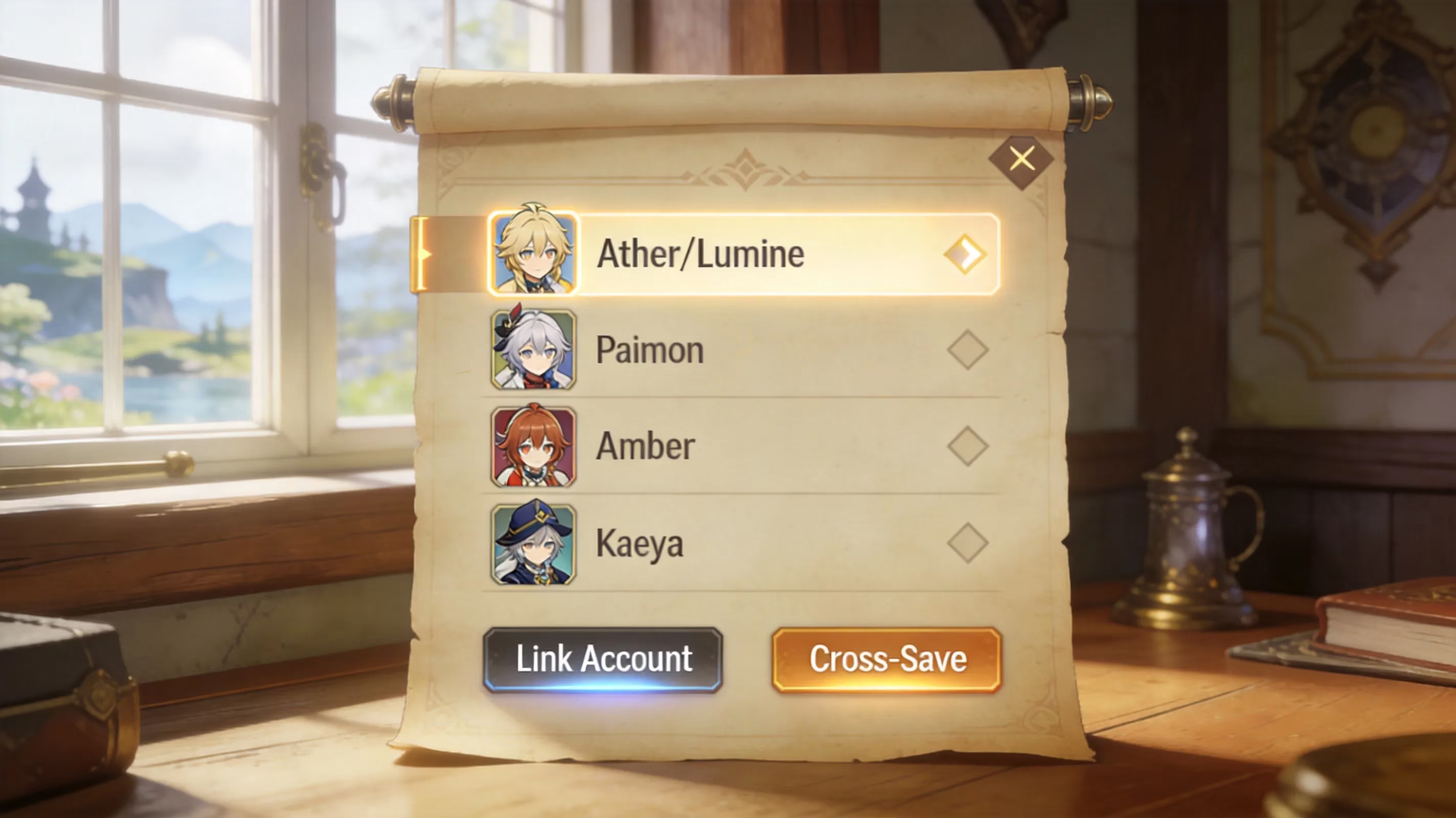
This is where players often mix up two different systems: crossplay and cross-save. Crossplay means people on different platforms can play together in real time. Cross-save means your own progress carries across platforms when you use the same account.
Genshin Impact supports both, but they are not the same feature. Cross-save runs through your HoYoverse account. If you log in on another supported device with the same HoYo account, your characters, Adventure Rank, inventory, and progression should load normally.
For PC and mobile players, this is usually painless because many accounts were created through HoYoverse from the start. Console players have one extra step: they need to bind their platform account properly.
On PlayStation, that means linking your PSN account to a HoYoverse account through Settings → Account → User Center. On Xbox Series X|S, there is a similar linking process that connects your Xbox profile to HoYoverse's backend. If you skip that and log into a new platform the wrong way, you can end up staring at a fresh AR1 account instead of your real save.
The other thing to keep in mind is Genesis Crystals. They do not behave like most of your account data. Crystals bought through the PlayStation Store stay in the PlayStation ecosystem, and they do not move over to PC or mobile wallets. Primogems you earned, your pity count, your characters, and your general account progress all carry over fine, but purchased premium currency is where wallet confusion starts.
| Item Type | Transfers via HoYo Account? |
|---|---|
| Characters and constellations | Yes |
| Adventure Rank and world progress | Yes |
| Primogems (earned) | Yes |
| Wish history and pity count | Yes |
| Genesis Crystals (purchased) | Platform-locked |
| PlayStation trophies / Xbox achievements | No |
| PSN wallet funds | No |
How to Use Genshin Impact Crossplay With Friends
Friend setup
To add someone on another platform, you need their UID. That is the numeric account ID shown in the bottom-right corner of the screen and inside the Paimon Menu. Once you have it, go to the Friends menu, choose Add Friend, and enter the UID. The other player then accepts the request from their side.
Before you do that, check the server region. Honestly, this is the first thing you should verify, because a lot of failed friend setups come down to this one detail. If one account is on America and the other is on Europe, co-op is dead on arrival.
That server choice is made when the account is created, and you cannot freely swap an existing account to another region. If you want to play with someone on a different server, the only real option is starting over there.
You should also look at join request settings. Players can allow all join requests automatically, require approval, or block them entirely. On mobile, you'll find these in the Paimon Menu's co-op options. On console, the same settings are available through the in-game menu structure.
Co-op session setup
Once you're on each other's friends list, starting co-op is easy. Open Friends, find the player, and choose Request to Join. The host gets a prompt and can accept or deny it. If the host has opened their world publicly, other same-server players can also request entry through matchmaking.
The most common crossplay activity is still domain farming. Artifact domains, talent material domains, and weekly boss domains all support co-op, and each player brings characters from their own account. That's the bread-and-butter use case for most players.
You can also do open-world bosses and exploration together. Bosses like Dvalin, Boreas, or the Dragon of Darkness can be handled in co-op, though each player still spends their own resin if they want rewards. So yes, you can farm together, but loot claims remain individual.
A quick note on controls, because mixed-platform sessions can feel different. Mobile players use touch controls unless they pair a Bluetooth controller. Console players are on gamepad by default, while PC players can choose keyboard and mouse or controller. HoYoverse has done a solid job keeping the UI usable across all of them, though in hectic fights, touch controls can still feel less comfortable than a controller.
Genshin Impact Crossplay Problems and Fixes
Can't join friend
Most failed join attempts come from a short list of issues, and the first one is different server regions. If both players are not on the same America, Europe, Asia, or TW/HK/MO server, they cannot play together. There is no bypass for this.
The second common issue is not reaching AR16. If either account is below Adventure Rank 16, co-op has not unlocked yet. In that case, the fix is simple: keep progressing through Archon Quests and daily content until multiplayer opens.
The third is quest lock. Some Archon Quest steps and certain world quests temporarily block multiplayer access. If the host is in one of those sections, join requests may fail automatically until that quest state is cleared.
World Level can also be the problem. If the visitor's World Level is too far below the host's, the game may block entry to avoid a major difficulty mismatch. When in doubt, check that after server region and AR16.
Progress not syncing
If your progress is missing on another device, the most likely cause is the wrong linked account. Usually, what happened is not that the save vanished — it is that the player logged into a different HoYoverse account and created a new profile by mistake. If that happens, HoYoverse support is the only real path forward, because account merges are not supported.
A very common version of this is the console first-login mistake. PlayStation and Xbox users who launch the game on a new device before linking properly can end up with an auto-generated platform profile. The original save still exists on the HoYoverse side, but you need the correct linking flow and the correct HoYo email to get back to it.
Then there is platform wallet confusion, which mostly affects Genesis Crystals. If you buy Crystals on PC or mobile and then switch to console, you may think they disappeared. They did not — they are just still tied to the platform where you bought them. Earned Primogems transfer normally; purchased Crystals do not.
2026 platform notes
Xbox Series X|S support is fully active in 2026. Since launching in late 2024, the Xbox version has stayed current with all major patches, so for co-op purposes, it now sits alongside PC and PS5 as a full-featured platform.
PS4 support has ended, and the shutdown happened on April 8, 2026. Any player who failed to link their PSN to a HoYoverse account before that deadline lost access to PS4-specific profiles. Accounts that were migrated properly still work on PS5.
If you want the smoothest co-op experience, PC with a decent GPU and PS5 are still the best picks. Frame pacing is more stable, load times are better, and big elemental burst chains are less likely to hitch. Mobile is still perfectly usable for casual co-op, but if you're playing on older hardware, the difference is noticeable.
Genshin Impact Crossplay FAQ
Is Genshin Impact crossplay free?
Yes. Crossplay is free, and Genshin Impact is free to download on all supported platforms. You are not paying extra for co-op access. The paid side of the game is still limited to optional gacha spending and Genesis Crystal purchases.
Can mobile play with console?
Yes. iOS and Android players can co-op with PS5 or Xbox players, and the reverse is true as well. The requirements are the same as always: same server region and both accounts at AR16 or higher.
Does crossplay include cross-save?
Not automatically by definition, but in Genshin's case, both features are supported. Crossplay is the multiplayer side. Cross-save is the account progression side. So you can play with friends on other platforms and also move your own account between devices, as long as the account is linked correctly.
Can different servers play together?
No. America, Europe, Asia, and TW/HK/MO are completely separate. There is no cross-server support, no region bridge, and no account-sharing workaround that preserves progression. If two players are on different servers, one of them would need to start fresh on the other's region.
Conclusion
If you want the cleanest Genshin Impact crossplay setup in 2026, the formula is simple: use a properly linked HoYoverse account, make sure everyone is on the same server, and handle account binding before logging into a new platform for the first time. PC and PS5 still offer the best overall co-op experience, while Xbox Series X|S is now fully on par. Mobile works fine too, especially for more casual sessions.
If co-op is not working, check things in this order: server region first, AR16 second, active quest lock third. That solves most problems fast. Once your account setup is clean, Genshin's crossplay is honestly one of the easier live-service systems to use — you can jump between PC, console, and mobile and keep exploring Teyvat with friends without much friction.